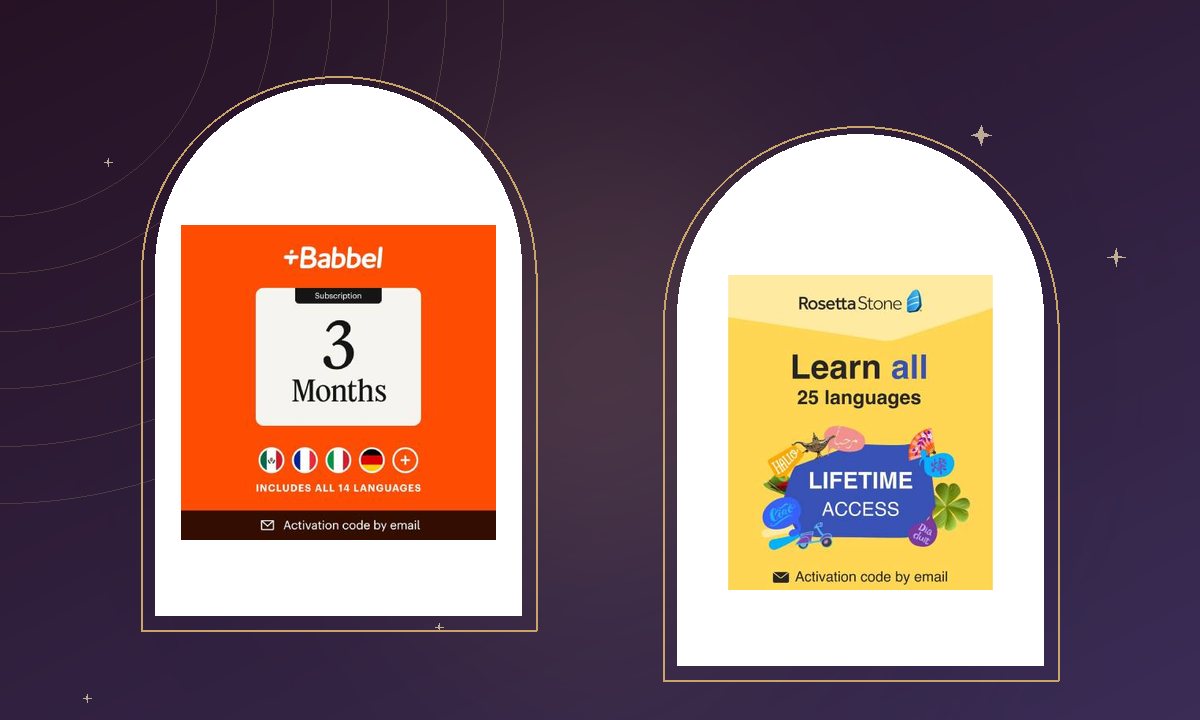
Most of us have started a language at least once. A burst of enthusiasm, a week of lessons, then life gets busy and the app quietly slips off the home screen. The good news is that the problem is rarely motivation alone. More often, the software simply did not fit the way we learn. Choosing well at the start makes all the difference.
Start with your reason
Are you preparing for a trip in three months, reconnecting with family, or building a professional skill? A traveler needs practical phrases and listening practice fast. A professional may want grammar depth, writing exercises and a clear sense of progression. Write your goal down before you compare programs; it turns a long feature list into a short one.
Match the method to your habits
- Bite-size lessons suit commuters and busy parents. Programs built around 10 to 15 minute sessions, like Babbel, make daily practice realistic.
- Immersive methods work well for learners who enjoy figuring things out from context. Rosetta Stone, for example, teaches through images and sound rather than translation.
- Speech recognition is worth prioritizing if speaking confidence is your goal. Instant feedback on pronunciation builds habits early.
Look closely at the license
Subscription length matters more than the headline price. A lifetime or multi-language license can be the better value if you plan to keep going or learn more than one language. Shorter plans are ideal for testing whether a style suits you. Check how many devices are included and whether lessons can be downloaded for offline use on flights.
Tip from our team: Pair your software with something you already enjoy, such as a podcast, a cooking show or song lyrics in your new language. Context makes vocabulary stick.
Protect the devices you learn on
If you are adding new software to a family laptop or tablet, it is a good moment to review your security as well. A trusted suite such as Norton 360 keeps downloads safe and adds a password manager, so your growing collection of accounts stays organized.
Give it thirty days
Commit to a short, consistent routine for a month before judging any program. Set a fixed time, track a streak and celebrate small wins, like ordering coffee or understanding a song chorus. Language learning is a long journey, and the right software makes every step feel lighter.